1
Enter Manager mode
Open Manager login (or the Manager button on the site). Sign in with the staff password ownership gave you — not listed here.
- After login you land on the menu with tools unlocked
- A dark bar appears: Manager mode — tap prices to edit
- Prices show a red dashed outline so you know they’re editable
2
Change a price
Tap any price (or open a dish → Edit price). Type the new number like 16.50 and confirm. Saved instantly on this device for guests.
MANAGER
Rooster Burger w/ Cheese
Tap to edit
$16.50
Saved · guests see new price right away
Tip: Use Export in the manager bar to download a backup of all price changes after a big update.
3
Change a dish photo
Tap a dish → Change photo. Use the sample library already on this site (your food photos) — no download. Optional: Upload your photo from the camera roll.
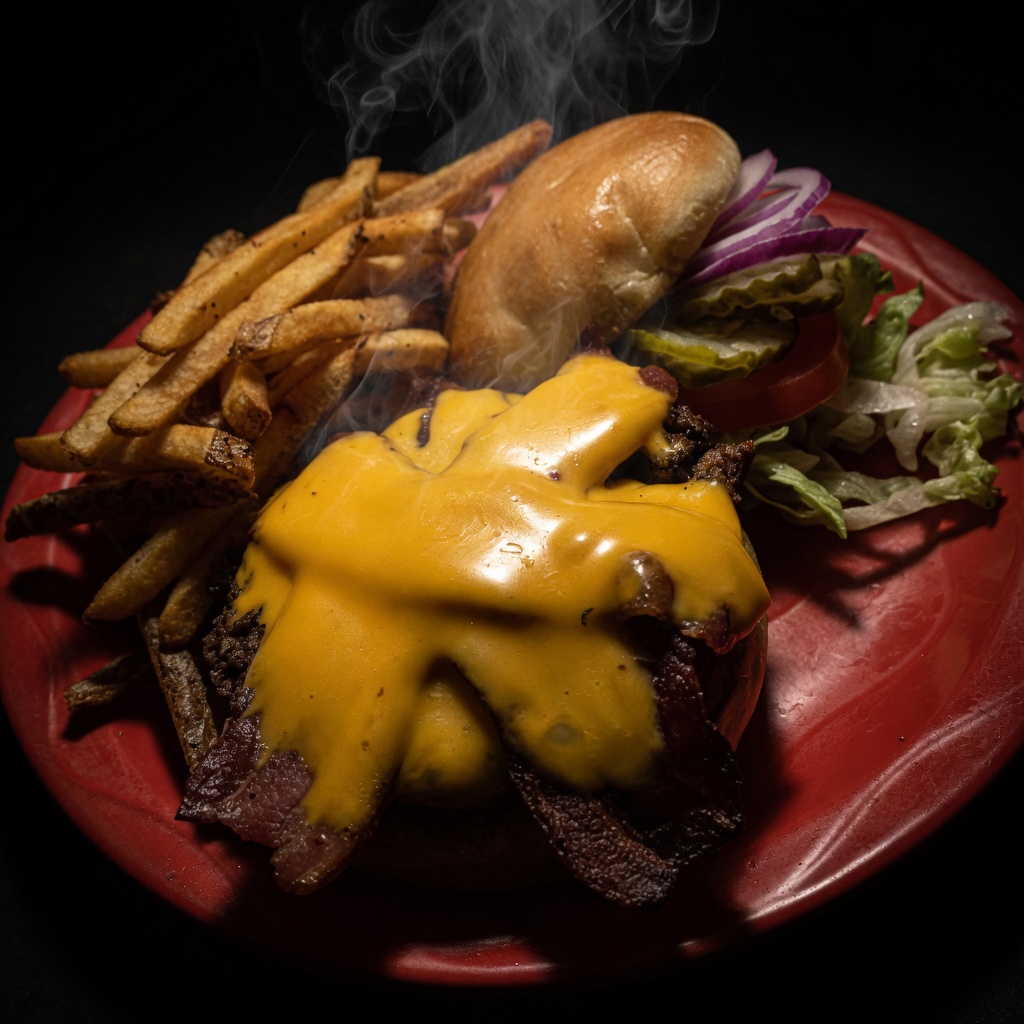
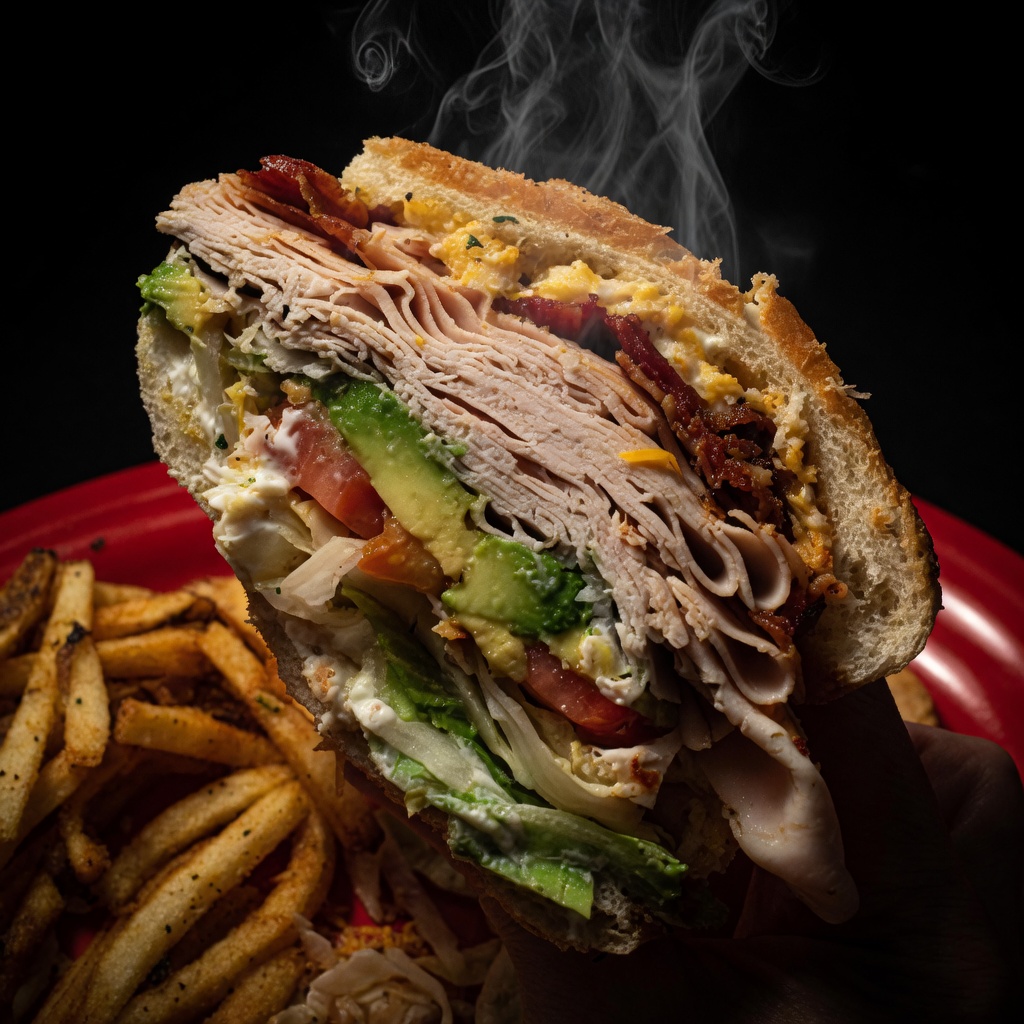
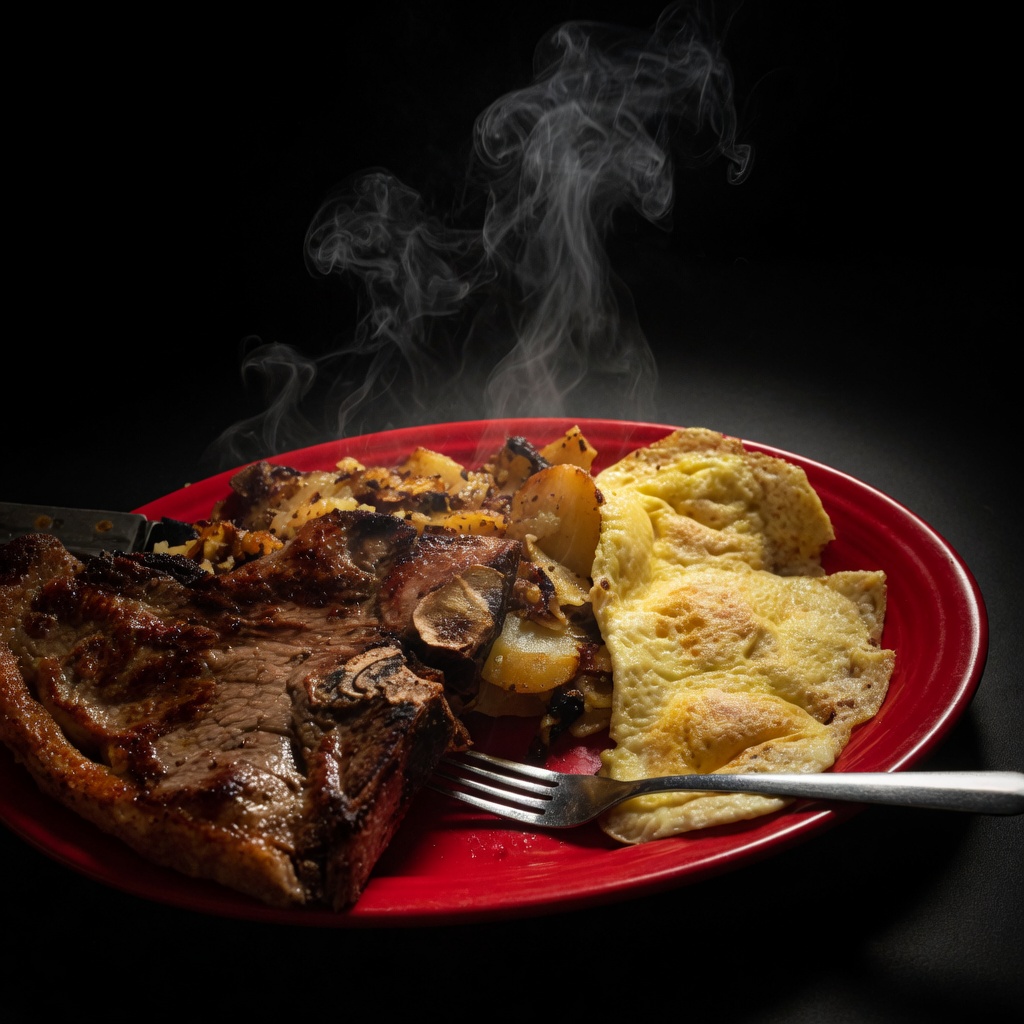
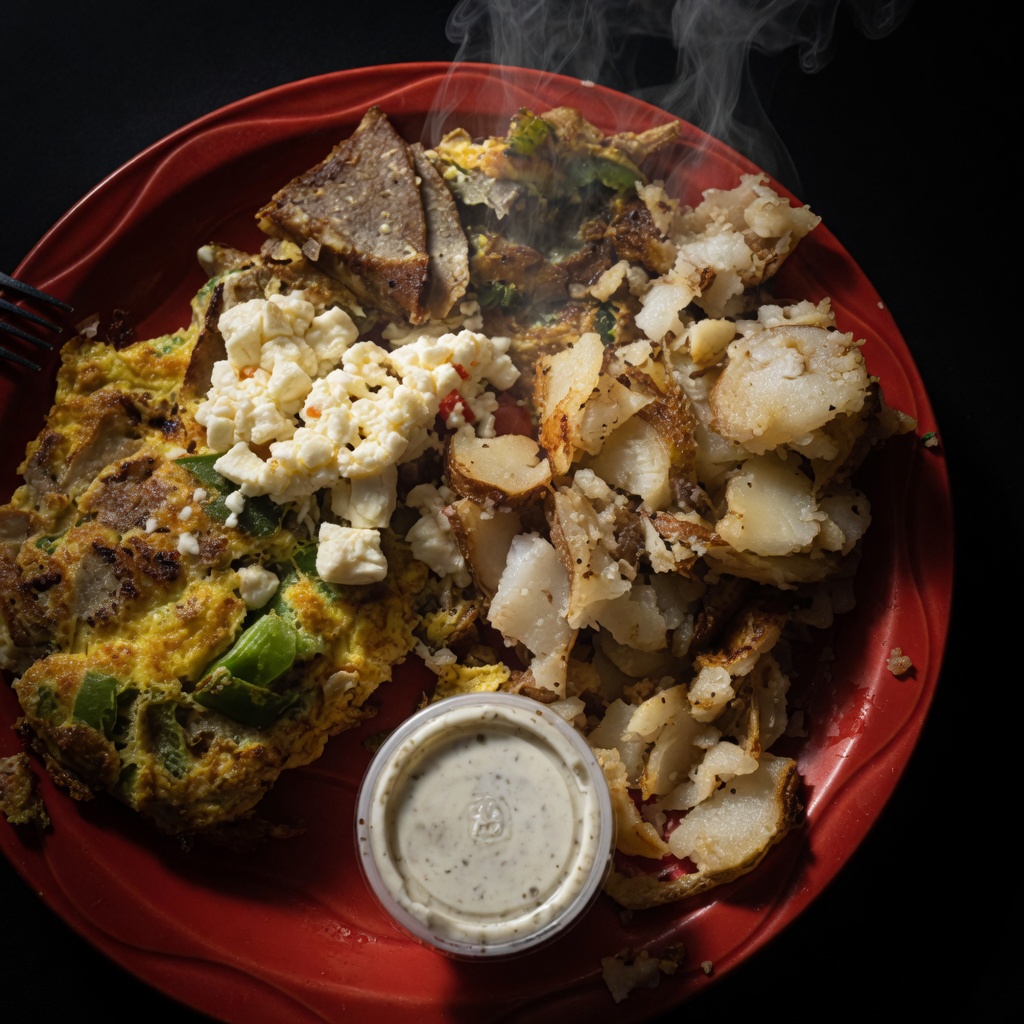
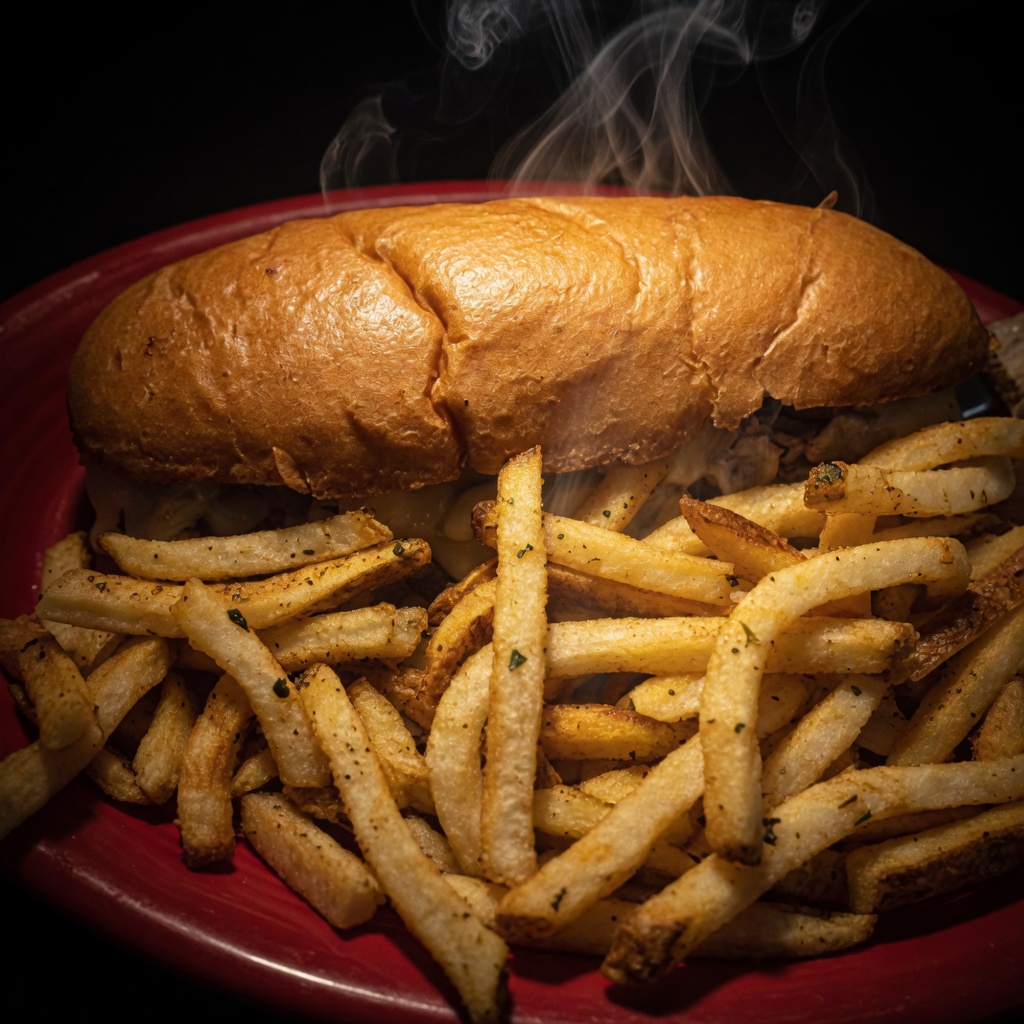
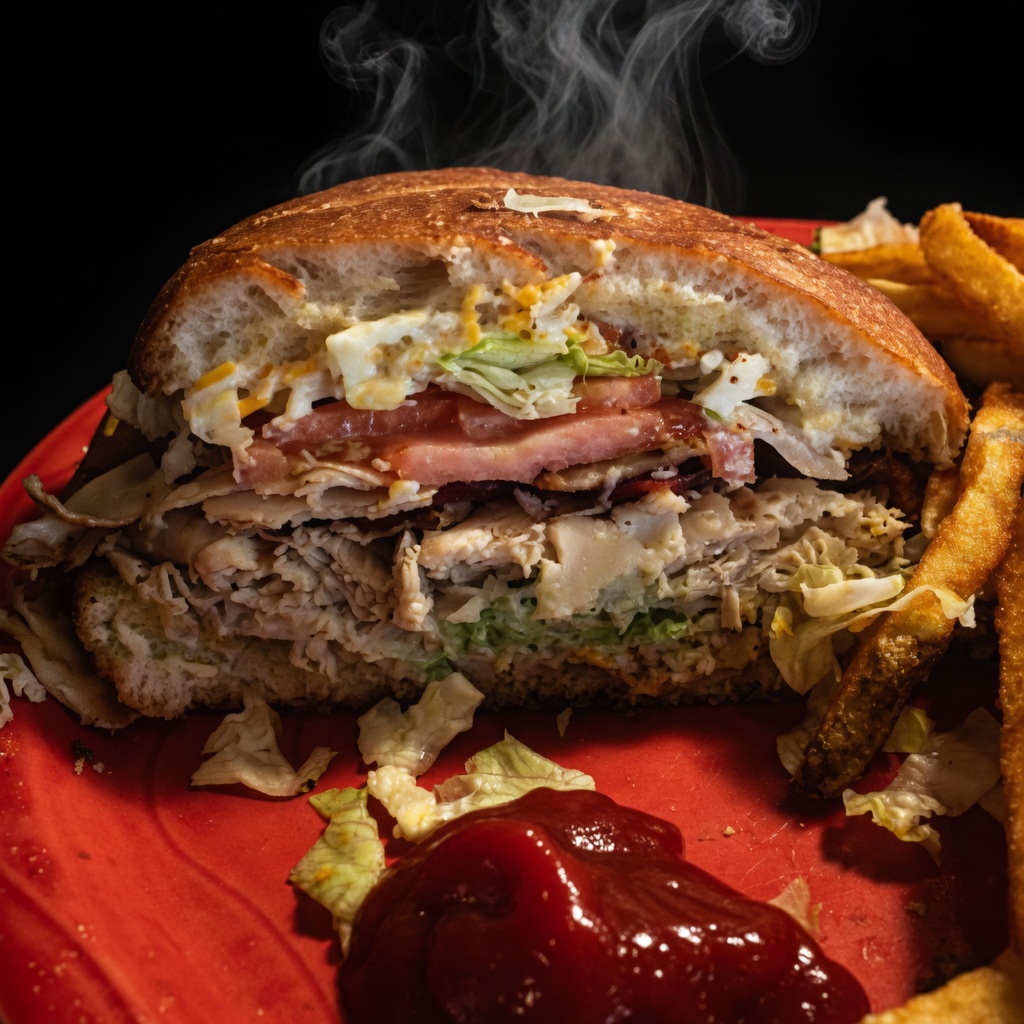
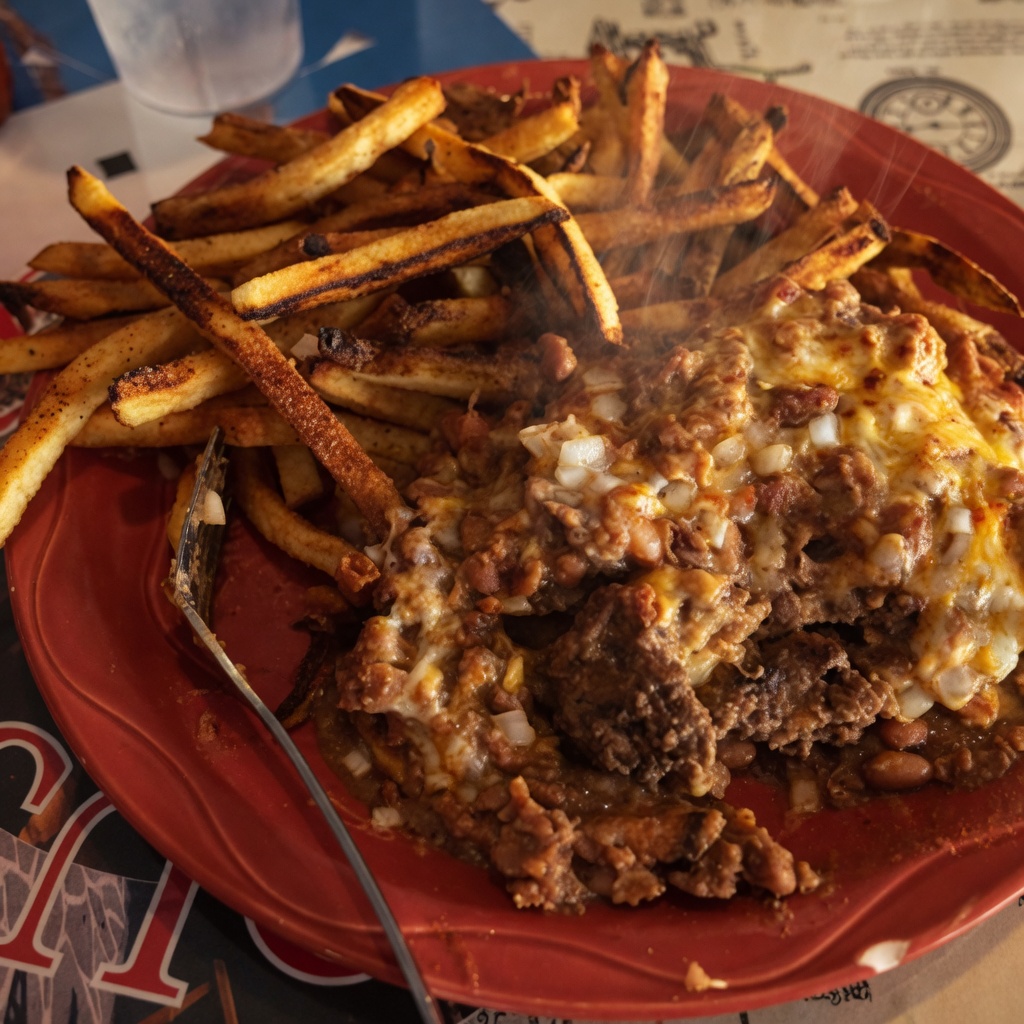
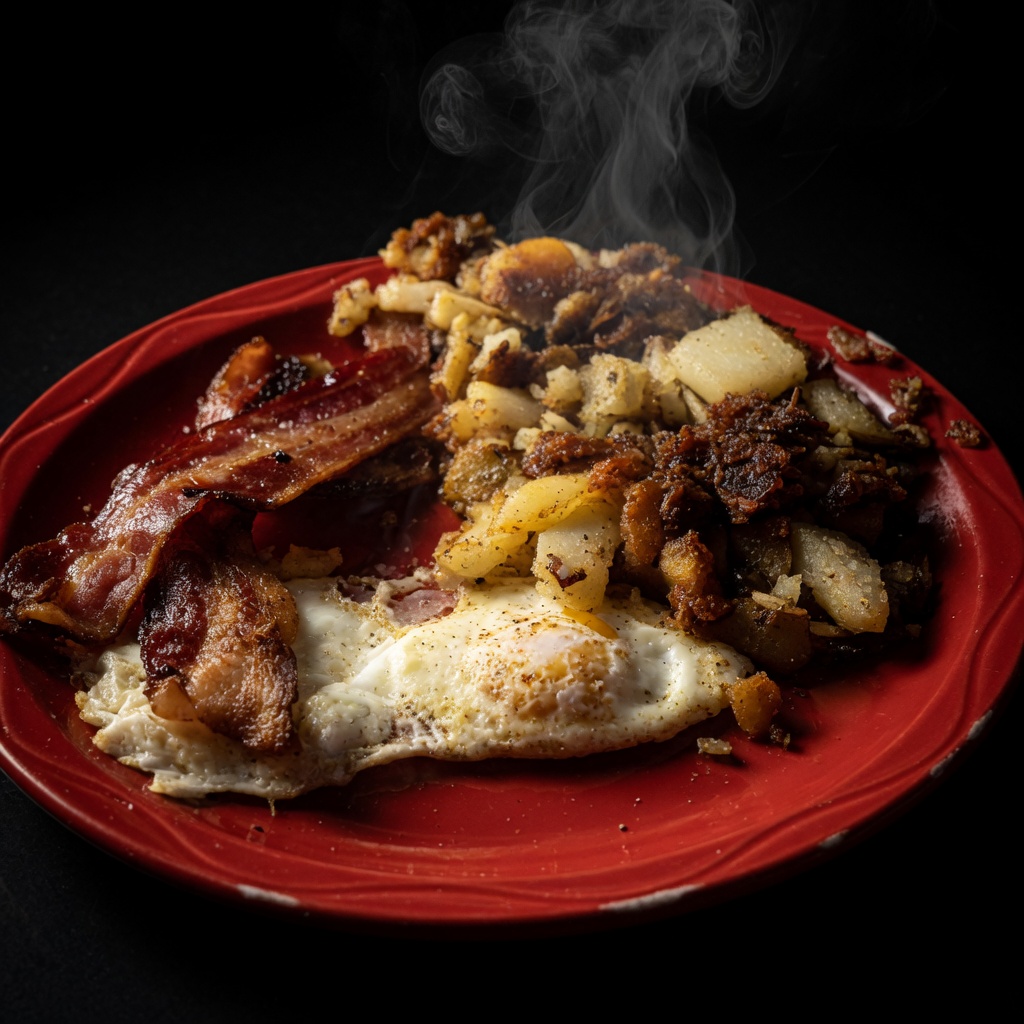
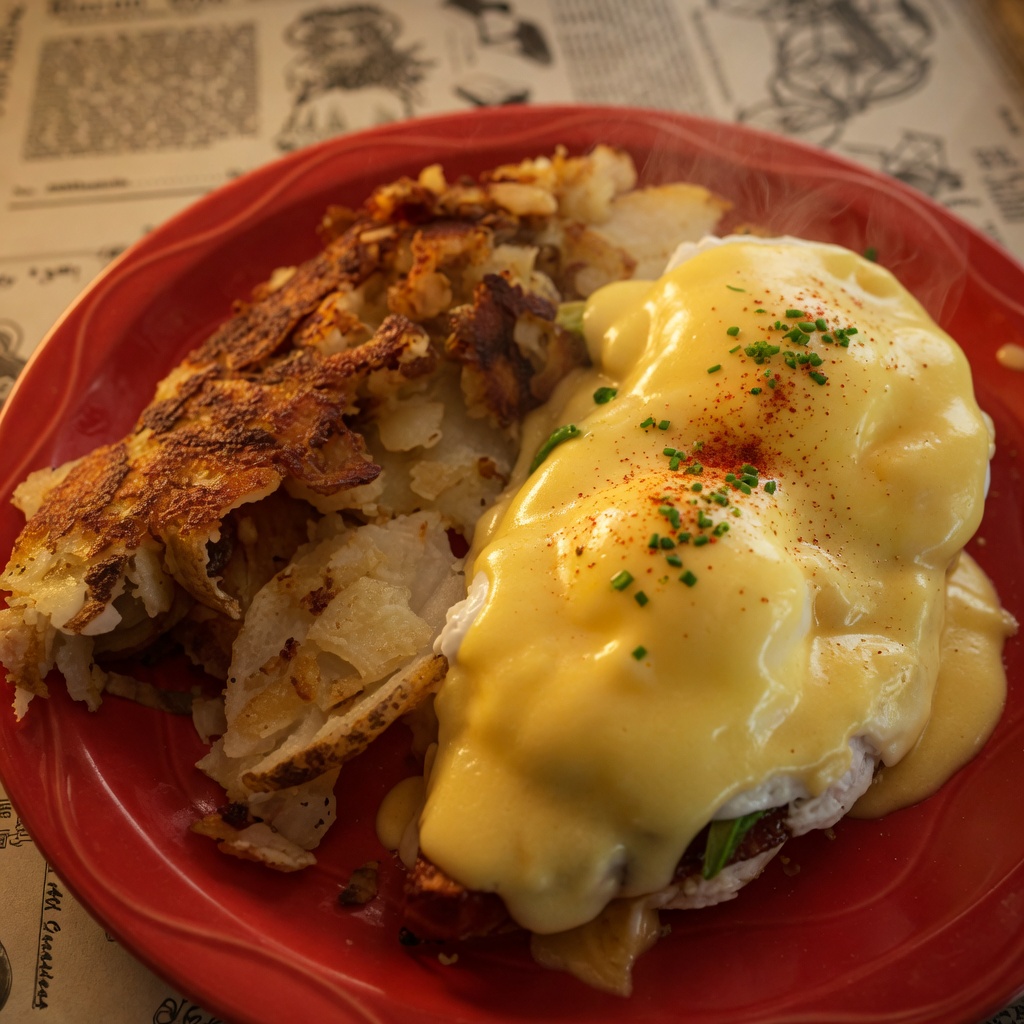
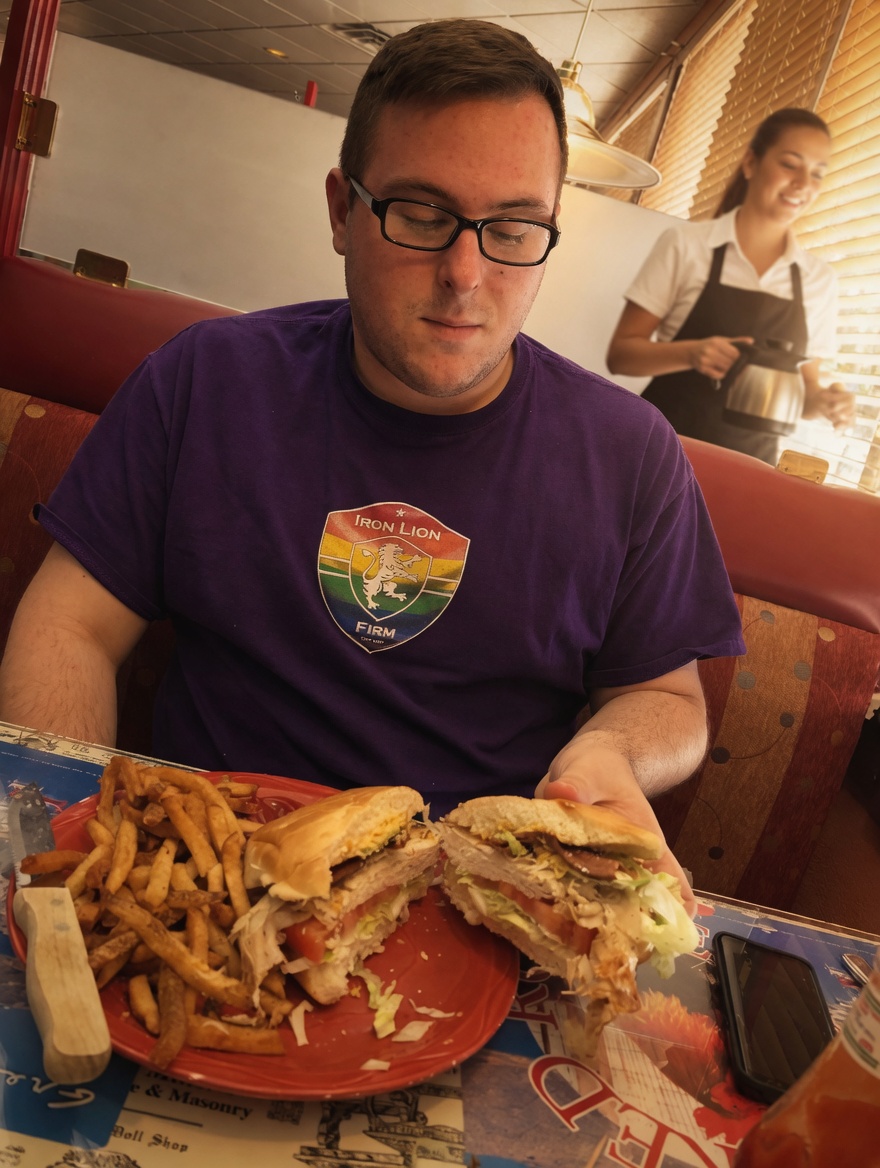
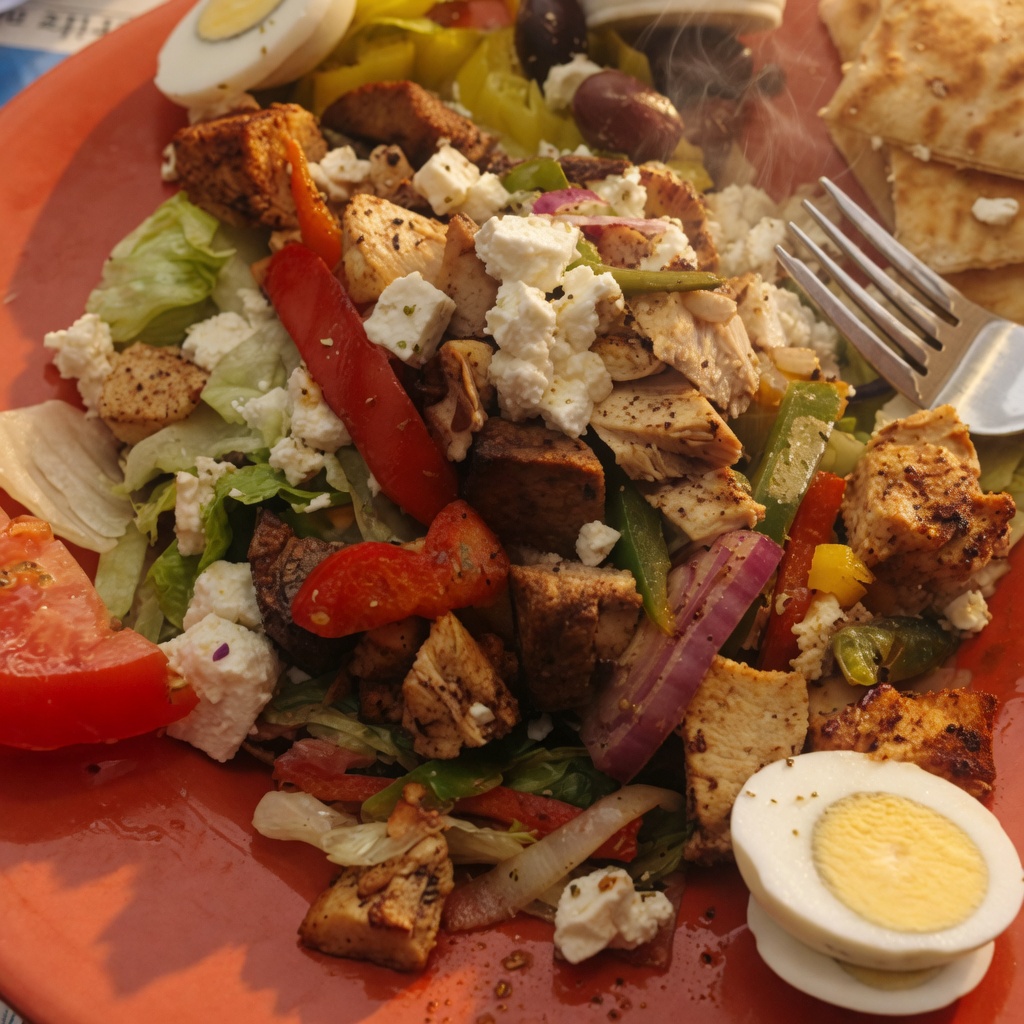
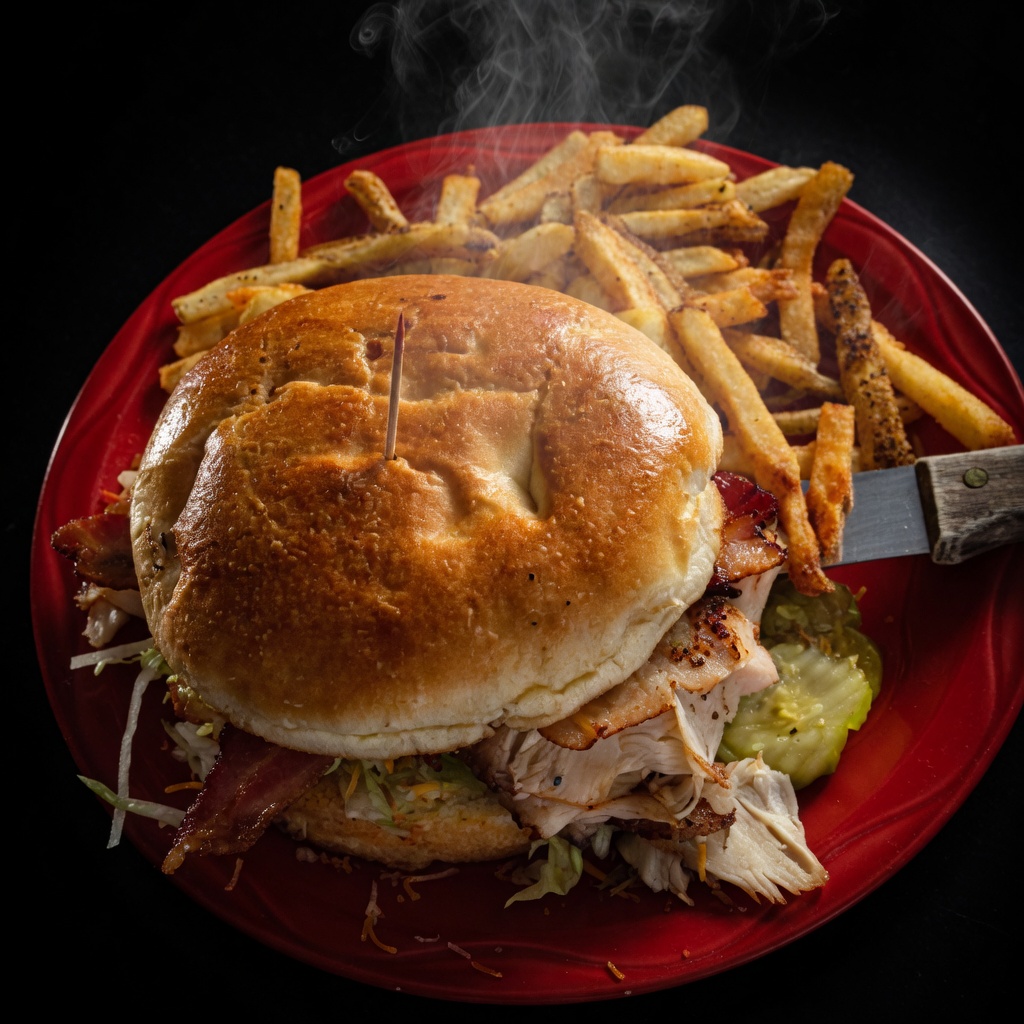
These are real samples from your site images/ folder — managers just tap to assign.
4
Sunday specials (Saturday night, 2 minutes)
In the manager bar tap Sunday Specials. Fill headline, note, and each special (name / price / description / photo). Hit Save specials. Guests see the purple banner at the top of the menu.
Sunday Specials
This Sunday at the Rooster
Prime Rib & Eggs
$18.95